How to Build a Body-Tracking App for iPhone Without Coding (2026)
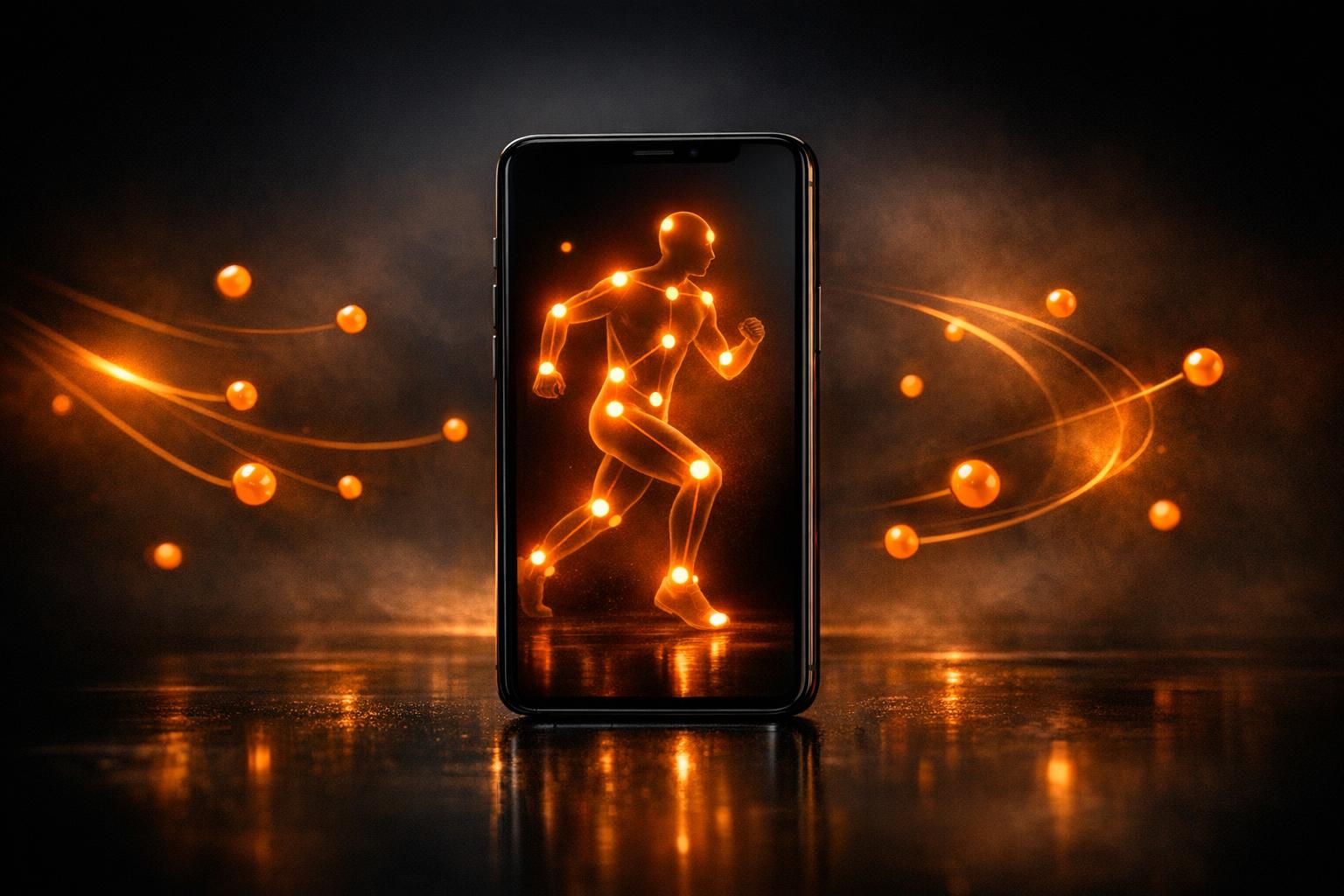
Short answer: an iPhone can detect body pose and track joints in real time using its camera and Apple's Vision framework. Describe the body-tracking app you want, such as a rep counter or a form checker, to a native AI app builder like Orchard, and it generates a Swift app that uses Vision. Then test it on a real iPhone.
Body tracking is one of the most impressive things an iPhone can do, and one of the clearest examples of why real native apps matter. Using the camera and Apple's Vision framework, an iPhone can detect a person's pose, track joints and movement, and analyse form in real time. That opens the door to fitness form-checkers, rep counters, physio and rehab tools, sports-technique apps, and dance or posture trainers. It used to take a skilled developer. In 2026 you can describe a body-tracking app in plain English and get a real native app that does it. Here's how.
What body tracking on iPhone can do
Apple's Vision framework can detect the human body from the camera feed and identify key points (shoulders, elbows, wrists, hips, knees, ankles) and track them as the person moves. On top of that you can build:
- Rep counters: count push-ups, squats, or curls by watching the movement.
- Form checkers: flag posture or technique problems in an exercise.
- Physio and rehab tools: guide and track prescribed movements.
- Sports technique apps: analyse a golf swing, a throw, or a running gait.
- Posture and dance trainers: check alignment or choreography against a target.
All of this runs on the phone, using the camera, no wearables, no extra hardware.
Why body tracking needs a real app, not a web page
This is a capability that simply cannot be faked by a web app. Real-time body tracking depends on:
- The camera feed: processed live, frame by frame.
- Apple's Vision framework: the native machine-learning models that detect body pose.
- On-device performance: fast enough to track movement in real time without lag.
A web-based app can't reliably access the camera for real-time pose detection or tap Apple's Vision models. So a body-tracking app has to be a real phone app: this is one of the sharpest lines between a genuine app and a web wrapper pretending to be one.
Orchard builds it two ways. The native Swift iPhone app option uses Apple's Vision framework, as this guide describes. The iPhone + Android option uses live MediaPipe pose tracking and opens on your phone in seconds, covered in our iPhone and Android body-tracking guide. Anything that needs ARKit, AR or LiDAR stays with the native Swift option.
The kinds of apps you can build
Start focused. A single, well-executed body-tracking feature is far more achievable, and more impressive, than an everything-app. Strong first ideas:
- A push-up or squat counter that uses the camera to count reps.
- A form checker for one exercise that flags bad technique.
- A golf-swing or throwing-motion analyser.
- A posture checker that alerts you when you slouch.
Each of these is one clear, camera-driven job: the kind of thing that makes a genuinely useful app and a jaw-dropping demo.
How to build it
- Pick one movement or exercise to track. Specific beats general.
- Describe the app in plain English: what it watches, what it counts or checks, and what the user sees.
- Let the AI build a real native app with camera and Vision access for body tracking.
- Test on a real iPhone: body tracking needs the real camera and real movement; it can't be tested in a browser preview or simulator.
- Refine by describing changes until the tracking and feedback feel right.
- Ship it to TestFlight or the App Store.
One honest note on testing
Because body tracking relies on the live camera, you can't fully experience it in an in-browser preview; a simulator has no real camera. The app's screens preview fine, but the tracking itself runs on a real iPhone. Plan to test body-tracking features on an actual device.
Building your body-tracking app with Orchard
Orchard turns a plain-English description into a real native iPhone app with camera and Vision access, so your app can detect pose, count reps, and analyse movement and form in real time. Because it produces genuine native Swift, it can do the body-tracking a web app never could. Refine it by describing changes, and ship it to TestFlight or the App Store. No Xcode, no code, and a real native body-tracking app at the end.
If you've pictured a form-checker, a rep counter, or a technique analyser, the building part is no longer the barrier. Describe it, and Orchard builds the real, native thing.
FAQ
Can I build a body-tracking app without coding? Yes. A native AI builder generates the camera and Vision code for you, so you can build a real pose-detection or motion-tracking app without writing Swift.
Does body tracking need a native app? It needs a real phone app, not a web page. Real-time pose detection needs the live camera and a pose model, which web-based apps can't reliably use. Orchard's native Swift apps use Apple's Vision framework, and its iPhone + Android apps use MediaPipe pose tracking. ARKit-based tracking needs the native Swift option.
Can a no-code app count reps with the camera? Only if it's a real phone app. Most no-code tools make web apps, which can't do real-time body tracking. Orchard can, in native Swift or with its iPhone + Android option.
Can I test body tracking in a browser preview? No, it needs a real camera, so body-tracking features run on a real iPhone. You can preview the app's screens in-browser, but test the tracking on a device.
Got a body-tracking app idea (a rep counter, a form checker, a swing analyser)? Orchard turns a plain-English prompt into a real native iPhone app with camera and Vision. Free to start, no code.
Build your app from a single prompt
Describe your idea and Orchard writes a real, native SwiftUI iPhone app, or an iPhone + Android app you can open on your phone in seconds. Free to start, no code, no Mac.
Generate your app →