How to Make an iPhone Game Without Coding (2026 Guide)
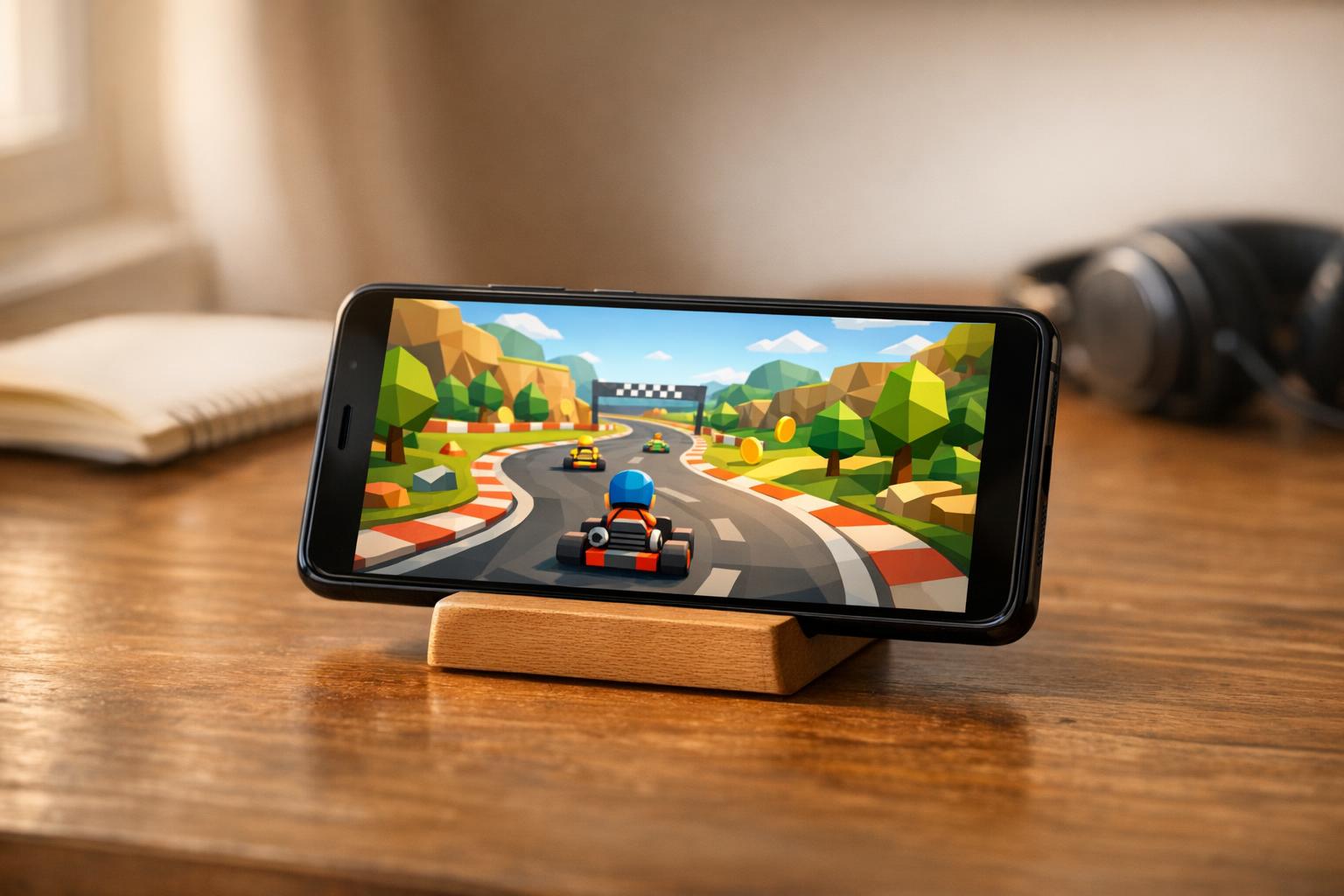
Short answer: yes, you can make a real iPhone game without writing code, and in 2026 you can do it in an afternoon. Describe the game in plain English, an AI builder generates a native Swift project using Apple's own game frameworks, and you get something playable on your actual phone. What you can't do is describe Fortnite and get Fortnite. The gap between those two facts is what this guide is about.
Can AI actually make a game?
Yes, for a certain size of game. AI models write Swift well, and Apple's game frameworks are well documented, so a model can produce a working 2D platformer, an endless runner, a physics puzzle or a simple 3D racer without human help. Where it struggles is anything needing months of tuning: multiplayer netcode, huge open worlds, or the invisible feel work that separates a good game from a playable one.
The honest framing is that AI gets you a real, working game very quickly. Making it fun is still a human job, and it always was.
What kinds of games are realistic
These work well:
- 2D platformers. Run, jump, enemies, collectables, a flag at the end. The genre is well understood and physics are simple.
- Endless runners. Three lanes, obstacles, increasing speed, a high score. Instantly recognisable and easy to get right.
- Physics puzzles. Slingshots, stacking, tumbling towers. Apple's physics engine does most of the heavy lifting.
- Match-3 and tile puzzles. Grid logic plus animation. Technically fiddly but very achievable.
- Simple 3D games. Kart racers, marble rollers, low-poly obstacle courses.
- Card and board games. Solitaire variants, chess, quiz games.
- Idle and clicker games. Numbers going up, upgrades, offline progress.
These are still hard:
- Real-time multiplayer. Needs servers, matchmaking and lag compensation.
- Large open worlds. Streaming assets and memory management at scale.
- Photorealistic 3D. You need artists, not prompts.
- Anything needing months of balance tuning. A competitive game lives or dies on numbers only playtesting can find.
The pattern: if a small indie team could build it in a few weeks, an AI builder can probably generate a working version of it now.
Why games break most no-code and AI app builders
This is the part that catches people out. Most AI app builders produce a web app, then wrap it in a native shell so it can go on the App Store. For a form-and-data app you might not notice. For a game you notice immediately.
- Frame rate. Games need a steady 60fps. Web views stutter, especially with physics or particles running.
- Input latency. The delay between your thumb and the character moving is the whole feel of a game. Web wrappers add lag you can't tune out.
- Device features. Accelerometer, gyroscope, haptics, Game Center, controller support. These are native APIs a browser can't reliably reach.
- Apple's rules. A repackaged web page can be rejected under the minimum functionality guideline, and games get looked at closely.
Games are the category where "is it really native?" stops being a technicality and becomes the difference between a game and a slideshow.
Do I need Unity or Unreal?
No, not for the games described above. Unity and Unreal are enormous, powerful engines built for large, cross-platform projects, and they carry a learning curve to match.
Apple ships its own game frameworks and they're more than enough for most indie ideas:
- SpriteKit for 2D. Sprites, physics, particles, animation, collision detection. Everything a platformer or puzzle game needs.
- SceneKit for 3D. Scenes, cameras, lighting, materials and 3D physics, with a straightforward model.
- Metal underneath both, doing the actual rendering. You'll never touch it directly.
Because these are Apple's own frameworks, they're what an AI builder generating native Swift will use, and they're what makes a game feel right on an iPhone.
Can you make a 3D game without coding?
Yes. This surprises people, because 3D sounds like it needs an art pipeline and a studio.
It doesn't, if you pick a low-poly style. A kart is a few boxes and cylinders. A tree is a cone on a cylinder. A landscape is a heightmap generated in code. Flat-shaded low-poly with a tight colour palette is a deliberate art direction, not a compromise, and it's been used by successful indie games for years.
The trick is to say so in your description. "Flat-shaded low-poly, bright cartoon palette, no textures" produces something that looks designed. Leaving art direction unspecified produces grey boxes.
For more detailed 3D models, generated assets can be dropped into the scene alongside the procedural geometry.
How do I get the art without an artist?
Four routes, and most games use a mix:
- Procedural geometry and shapes. Everything drawn in code. Best for low-poly 3D and abstract 2D.
- Generated sprites and textures. AI image generation for characters, tiles and backgrounds.
- Free asset libraries. Kenney and OpenGameArt offer large, genuinely free collections.
- SF Symbols and system shapes. Apple's icon set is surprisingly usable for prototype UI and simple game objects.
One caution worth stating plainly: don't use characters, music or art you don't own. "A Mario clone" is a fast route to a takedown, and it makes your game unpublishable. Original characters take one extra sentence in the prompt and the result is yours.
How much does it cost to make a mobile game?
Traditionally, a simple mobile game from a studio runs into five figures, and a mid-size one considerably more. A freelancer might do a small 2D game for a few thousand pounds over several weeks.
With an AI builder generating native code, the cost is the subscription, from around £19 a month. The one unavoidable cost is Apple's Developer Program at $99 a year, and only if you want to publish publicly. Testing on your own phone doesn't require it.
The real cost isn't money any more. It's the time you spend making the game actually fun.
How to describe a game so it comes out right
The quality of your description does most of the work. A useful game prompt covers five things:
- Genre and view. "A side-scrolling 2D platformer." "A third-person 3D kart racer."
- Controls. Be specific and remember most people play with thumbs. "On-screen left and right buttons with a jump button on the right." Avoid tilt controls if you want to demo it in a browser preview.
- Core loop. What the player does over and over, and what makes it satisfying.
- Art direction. Style, palette, mood. "Pixel art, 8-bit palette, night theme."
- Progression and scoring. Levels, high scores, unlocks, a win condition.
A worked example:
A side-scrolling 2D platformer with pixel art. The player runs automatically and taps to jump, with a double jump. Collect coins, stomp on enemies, avoid spikes. Three levels of increasing difficulty, each ending in a flag. A level-clear screen showing score, coins and time, and a best-score record per level. Chunky 8-bit colour palette and a chiptune soundtrack.
That paragraph is enough to produce a playable game. Everything after it is refinement: "make the jump floatier", "add a night-themed second world", "the enemies are too fast".
Testing and shipping your game
Play it in the browser first. A good builder gives you a live iPhone preview you can tap through, so you can feel the game before installing anything.
Then get it on a real phone. This matters more for games than any other category. Touch response, frame rate and haptics can only be judged with the device in your hands, and a game that feels fine in a preview can feel sluggish in real life.
Then publish, if you want to. Games can go to TestFlight for friends to try, or to the App Store under your own developer account. Two things worth knowing before you submit: your screenshots must show actual gameplay rather than title art, and if your game has accounts, players must be able to delete them inside the app.
What still needs a human
Being straight about this: AI gets you a working game fast. It doesn't get you a good game automatically.
- Feel. Jump height, gravity, acceleration, coyote time. Fractions of a second that decide whether a platformer feels great or wrong.
- Difficulty curve. Level one should teach, level three should challenge. That's design, not generation.
- The idea. Every successful indie game had one interesting thought at the centre of it. That part is still yours.
The good news is that iterating on all three is now a sentence at a time rather than a code change and a rebuild.
FAQ
Can I make an iPhone game without any coding experience? Yes. Describe the game in plain English and a native AI builder generates the Swift and the game framework code for you.
Do I need a Mac? No, if your builder compiles in the cloud. You do need a Mac for the traditional route through Xcode.
Can I sell my game or put ads in it? Yes. Both need an Apple Developer Program membership at $99 a year, and in-app purchases must go through Apple's own system.
How long does it take? A first playable version takes minutes. Making it genuinely fun takes as long as you're willing to keep refining it.
Can AI make multiplayer games? Local multiplayer on one device, yes. Real-time online multiplayer needs server infrastructure and is not realistic from a single description.
Build the game you keep describing to people
Every one of these is one paragraph away from existing. Orchard turns a plain-English description into a real native iPhone game using Swift, SpriteKit and SceneKit, compiles it on a real Mac, and lets you play it in your browser before installing it on your phone or shipping it to the App Store.
Next: The best AI app builders for iOS in 2026, How to build an AR app for iPhone without coding, and Do you need an Apple Developer account?
Got a game idea? Orchard turns a plain-English prompt into a real native iPhone game and ships it to the App Store: no engine, no code.
Build your app from a single prompt
Describe your idea and Orchard writes a real, native SwiftUI iPhone app, or an iPhone + Android app you can open on your phone in seconds. Free to start, no code, no Mac.
Generate your app →